TikTok Shop Fees Calculator
Get transparent fee breakdowns, net profit, and pricing guidance for your TikTok Shop products in seconds.
TikTok Shop Fees Calculator
Calculate your real profit with accurate fee breakdowns
Profit Summary
Gross Profit
0% profit margin
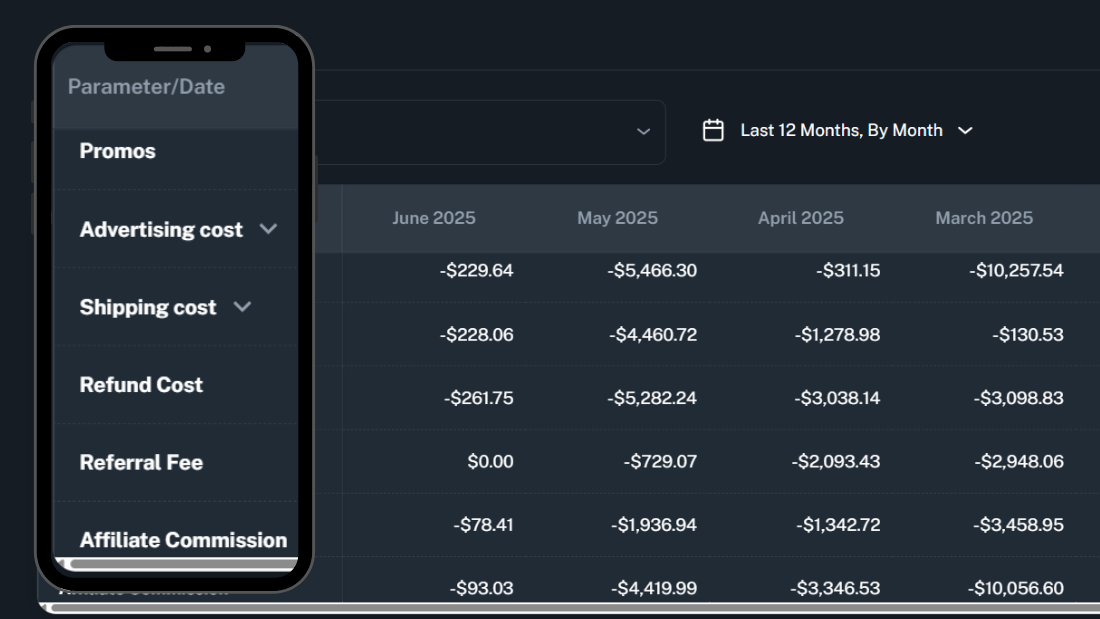
Gross Profit = Selling Price - Seller Discount - Ads Cost - Shipping - Refund - Referral Fee - Affiliate Commission - COGS
Note: Referral fee is calculated on (Selling Price - Seller Discount), while other percentages are based on the full selling price.
🚀 Want Real-Time Tracking?
Stop calculating manually. Get live profit analytics with Kixmon.
Try Kixmon Free →How To Use TikTok Shop Fee Calculator
Try the TikTok Shop Profit Tracker and fees Calculator now to get a clear picture of your profits. Simply enter your Product Cost (COGS), Selling Price, and all applicable fees like commission, processing, shipping, packaging, and creator/affiliate payouts. Once you hit Calculate, you’ll instantly receive a detailed breakdown of your Net Profit, Profit Margin, and Fee Breakdown.
Enter your Product Cost (COGS) and Selling Price.
Input all applicable fees like commission, shipping, and creator payouts.
Hit Calculate for an instant breakdown of your Net Profit and Profit Margin.
How Tiktok Shop Fee Calculator Works
To calculate your TikTok Shop profits, enter the following details:
Product Cost (COGS)
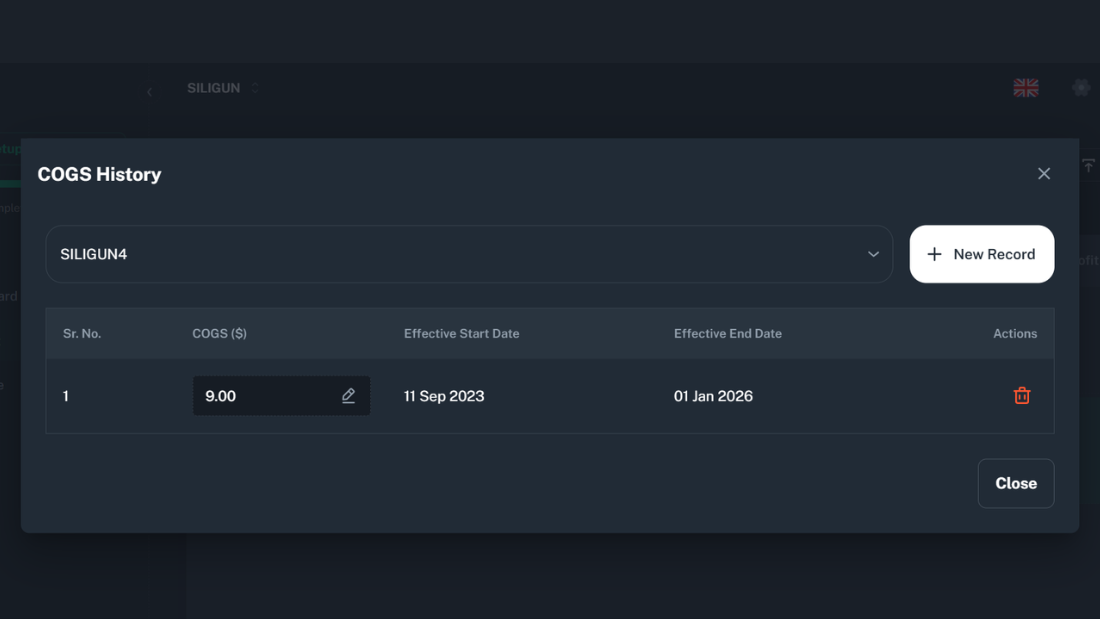
The cost to source or produce your product, including raw materials, labor, and manufacturing. Accurately calculating COGS is essential to ensure profitability and set competitive pricing.
Selling Price
The price you plan to sell your product for on TikTok Shop. It should cover all costs and still remain attractive to customers.
Marketplace Commission and Transaction Fee
TikTok charges a marketplace commission, usually between 5-8%, depending on your category, impacting your profit. Additionally, there is a payment processing fee, which varies slightly based on the method and location. Both fees should be considered when setting prices to ensure accurate profit margins.
Why TikTok Fee Calculator Matters
Running a TikTok Shop can be profitable, but many sellers overlook the real cost of selling on the platform. Hidden fees and overlooked expenses can eat into your profit margin, leaving you wondering why you’re not seeing the returns you expected.
See your net profit per order
Understand every fee that reduces your margin
Find your profit margin percentage clearly
Price smarter for ads, creators, and more
Calculate your Fees Instantly
Once you input your values, you’ll instantly receive a detailed breakdown of your profit, providing clear insights into your business performance. This will include:
-
Net Profit — The amount you earn after all expenses are deducted.
-
Profit Margin % — The percentage of profit you will have.
-
Fee Breakdown — A summary of all fees involved in the sale
Why Fee Calculator Matters for US Sellers
Many TikTok Shop sellers face margin losses due to overlooked fees. The 2% promotional commission ends in December 2025, and transaction fees increased to 3.78% in 2024. Creator commissions (10-50%) further cut profits. Use our calculator to model these changes and adjust your pricing strategy.
-
TikTok Shop Commission (2026): 4-6% (category-dependent)
-
Average Creator Commission: 15-20% for competitive niches
-
GMV Max Ads & Shop Ads Commission and more
Features That Set Our Calculator Apart
Transparent Fee Breakdown: See all the fees involved, so you understand exactly where your money is going.
Creator & Affiliate Modelling: Easily input creator or affiliate payouts and see how they affect your bottom line.
Ad & ROAS Guidance: The calculator provides break-even CPA and ROAS information about your ad campaigns.
No Guesswork, No Hidden Fees: Calculate real net profit without hidden surprises.
What Our Clients Say
Find out why TikTok Shop sellers are leaving spreadsheets behind and choosing Kixmon to track daily net profits with ease, speed, and accuracy.
Kixmon Profit calculator saved me from launching a product at 12% margin. Adjusted pricing and now running at 38% its all done automatically.
Rated 5 Stars by TikTok Shop Sellers on Tiktok Shop App Store
TikTok Shop sellers are leaving spreadsheets behind and choosing Kixmon to track daily real net profits with ease, speed, accuracy, and excluding fees.
Is TikTok Shop profitable
Yes, TikTok Shop can be profitable, but it depends on how you track your expenses. Tools like Kixmon.com help ensure accurate profit tracking.
Plans & Pricing
Choose a pricing plan that works for you
Whether you're an individual, a small team, or a growing enterprise, we have a plan that aligns perfectly with your goals.
| Compare plans |
Start
$49/month
|
Pro
$99 /month
|
Elite
$199/month
|
|---|---|---|---|
| Orders per month | <1,500 | <15,000 | Unlimited |
| Data Retention after Signup | 3 Months | 12 Months | 12 Months |
| Real-time Profit Dashboard | ✔ | ✔ | ✔ |
| Real-time Stock Tracking | ✔ | ✔ | ✔ |
| Product-wise Profit | ✔ | ✔ | ✔ |
| Bulk Upload Feature for COGS and Shipping | ✔ | ✔ | ✔ |
| P&L Export to Excel | ✔ | ✔ | ✔ |
| Customer Support | ✔ | ✔ | ✔ |
| Select Start | Select Pro | Select Elite |
TrueProfit vs Kixmon: Which Profit Tool Is Best for TikTok Sellers?
TrueProfit and Kixmon both…

TikTok Ad Costs
TikTok advertising has evolved…

Kalodata Alternatives
Kalodata offers a valuable…
Help Center
Got a question? Get your answer
Everything you need to know about the product and billing. Can’t find the answer you’re looking for? Please chat to our friendly team.
A free tool that instantly calculates your real profit after TikTok Shop fees, ads, shipping, and costs so you can price smarter and maximize margins per order.
TikTok charges a commission on your sales (usually between 5-8%) and processing fees. These vary based on product category and region. Always check the Seller Center for the most up-to-date rates.
Yes! You can add creator payouts as a percentage or fixed amount when entering your fees in the calculator.
Yes! The calculator works well for digital products. Simply set your cost of goods to near-zero and model expected refunds.
Fees change frequently, so it's a good idea to revisit your fee settings monthly and update them in the calculator. Always verify your rates in the Seller Center.